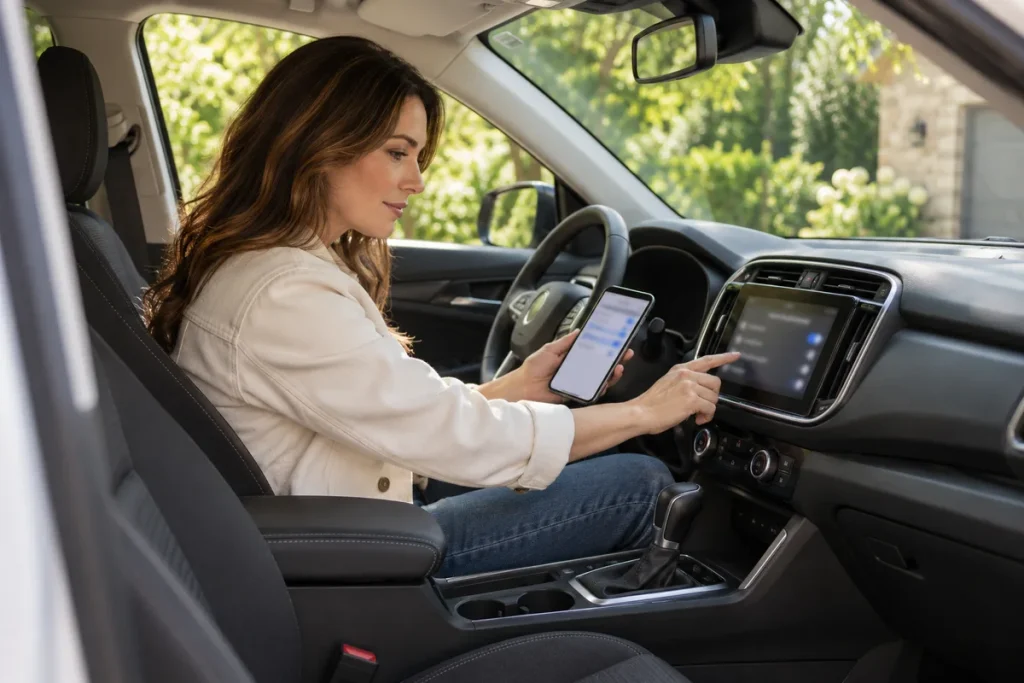
Quick answer: Pair Bluetooth while the car is safely parked. Select the correct vehicle system, compare the pairing code on both screens and read contact/message permissions. When returning a rental or shared car, distinguish disconnection from removing stored records using the system’s own instructions.
Prepare before pairing
Identify the multimedia system and version, together with your phone’s operating system. Cars from the same brand can use different menus. If time is short, postpone setup rather than continuing through menus while driving.
Decide whether you need audio, calls, contacts or messages. Ford SYNC explains that some features depend on the phone and that primary-phone selection and phonebook downloads can be separate choices. Pairing does not guarantee every function works or require every permission.
Four checks
Use the matching new-device handbook section and verify the actual system name. Compare the codes on phone and car; reject an unexpected request. Consider each contact, history and message permission separately. Test the desired basic audio/function while still parked.
If codes or device names disagree, stop and consult the correct instructions. This guide supplies no universal PIN. Hide contacts, numbers and notifications before sharing a support screenshot.
Keep a permission and handover record
Note the verified device name, contact/message choices, the agreed primary phone for shared use, instructions for removing your vehicle-side records and a check of the saved car entry on your phone.
Personal records in rental and shared vehicles
Ford’s example separates disconnecting, deleting a device and removing stored information. Menu names differ by system. Turning off Bluetooth on the phone does not prove nothing remains in the car.
Remove only your own records with an understood scope. Do not erase another user’s phone or contacts without permission, or reset the whole system casually. Ask the rental handover staff if personal-data removal is unclear and verify the actual screen result.
If pairing fails
Record system name, phone version, exact error and stage: device not found, code confirmation incomplete and connected-without-audio are different observations. Use the manufacturer’s version-specific support steps instead of random downloads or changing every setting. Keep track of attempts.
Sources
Original Turkish guide source review: 29 October 2026. English edition: 4 November 2026. Follow your exact vehicle and equipment instructions.