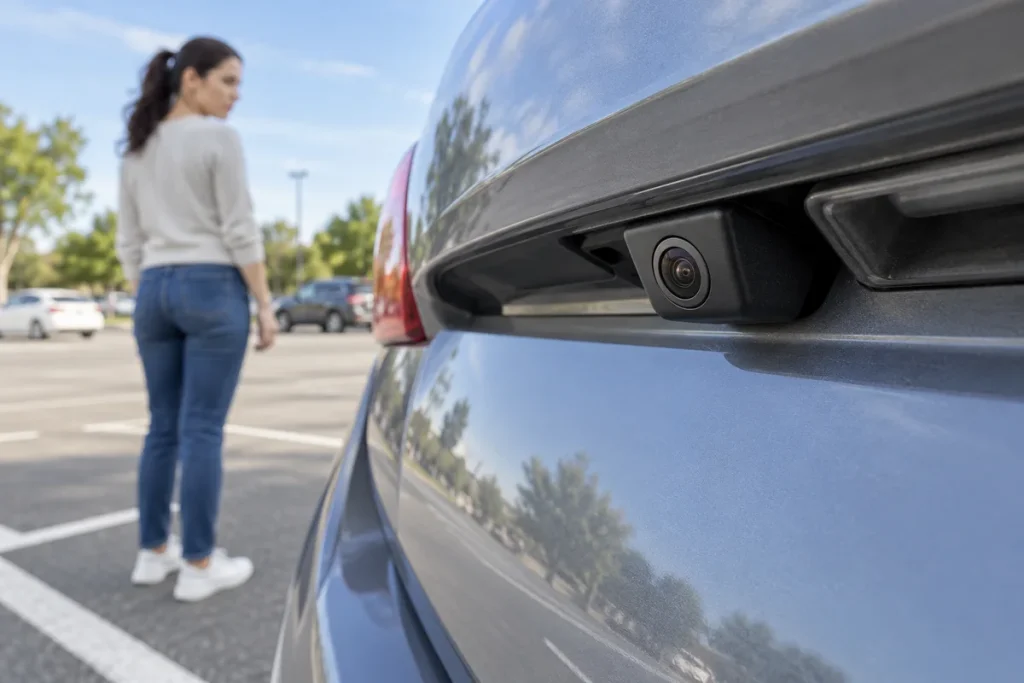
Quick answer: A reversing camera supports observation but cannot show every area around a car. Guide lines may indicate approximate vehicle direction or boundaries depending on the model. Appearing inside a line is not a guarantee of clearance. Combine the camera with mirrors, direct checks and the handbook.
Screen view and surroundings are different
Volvo’s V70 example describes blind areas and objects that may be closer than they look. Do not infer an exact distance from one image. The front and sides also matter during a reversing manoeuvre, including people or animals outside the camera view.
Learn the displayed area while safely parked rather than during a hurried manoeuvre. Understand what wide-angle or overhead-view modes mean on your system. A wider image does not remove every blind area.
Read the model’s own guide-line key
Some lines move with steering; other systems have different displays or settings. Volvo’s example describes approximate vehicle position and steering-related path. This does not assign universal colours or distances to every camera.
Check what a fixed line represents, how a moving line relates to steering, whether coloured areas come from camera or sensors, which area each view shows and how image conditions affect visibility. No colour does not mean no obstacle.
How can I enable missing camera guide lines?
There is no single activation menu for every vehicle. First distinguish a working camera image with missing lines from a missing image or an error message. Enabling an overlay is a different question from finding the cause of an image fault.
- Image present, lines missing: While safely parked, check your exact vehicle and multimedia handbook for camera views and a guide-line display option. Do not assume your system offers one.
- Lines do not move: Check whether that system supports dynamic lines before treating a static display as a fault. Do not experiment with calibration or hidden service menus.
- No image or an error message: Record the screen state and exact message. Do not continue a manoeuvre on the assumption that an overlay setting will fix it; follow manufacturer guidance and seek qualified support.
As a specific example, Volvo’s UK support pages for the 2016 V70 explain that this equipment’s park assist lines can be switched off and camera settings have their own menu. That does not establish the same button sequence for another car or an aftermarket display. When asking for help, include the model year, multimedia system and whether the missing element is the image or its lines.
Do not force a manoeuvre with a poor image
Dirt, snow, ice and light conditions can affect the view; Volvo notes lens cleanliness and lower quality in poor light. Stop and reassess rather than guessing missing detail.
Before moving, directly assess people, access routes and boundaries. Keep using mirrors and surrounding checks. If the image or line meaning is uncertain, stop; do not explore menus while driving. Inspect the exterior lens only while safely parked and follow manufacturer care guidance.
A practical example
Lines on the ground may show an approximate path between parking markings while a raised projection beside the car remains a contact risk. The answer is not a memorised steering turn: consider the entire vehicle envelope and stop when the view is inadequate.
When reporting a problem, describe a black screen, apparently frozen image, missing lines or dirt rather than simply “broken camera”. Include timing and messages without recreating it in a busy car park. Declining an unsuitable space or practising with a qualified instructor is a reasonable preparation.
Sources
Volvo V70 2016 UK: park assist camera settings. Activation-section source check: 13 November 2026. No manufacturer images reproduced.
Original Turkish guide source review: 29 October 2026. English edition: 4 November 2026. Follow your exact vehicle and equipment instructions.