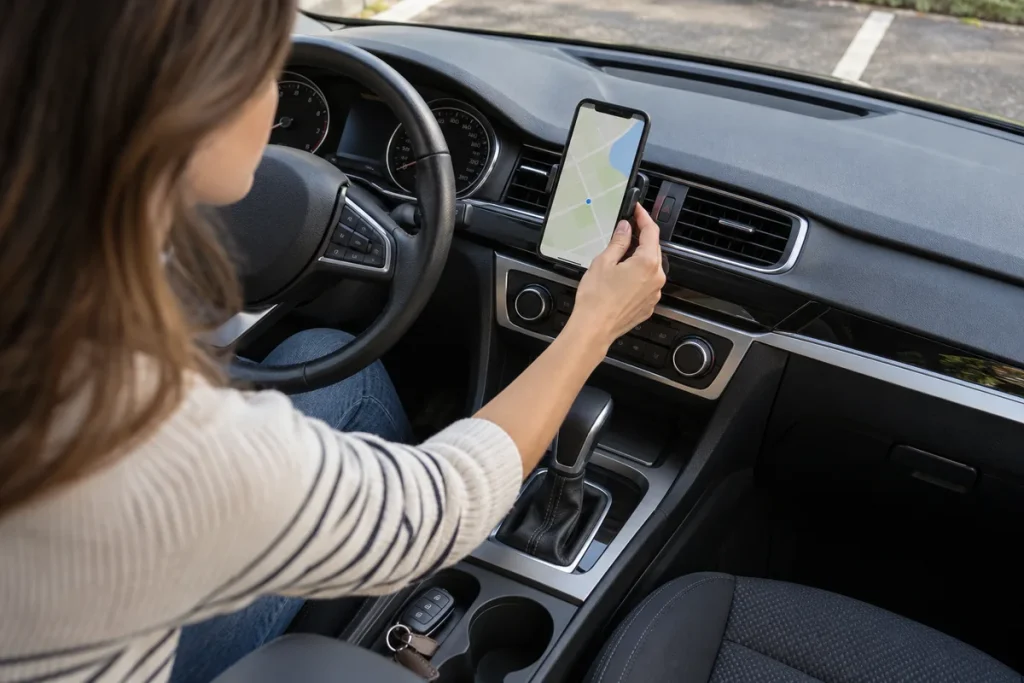
Quick answer: Confirm the destination, test spoken guidance and secure the phone without blocking sight or controls before moving. Do not type addresses, zoom maps or explore route options while driving. Use a suitable safe and legal stopping place if changes are needed.
Five preparation steps
Verify the address and district where names are duplicated. Check the correct starting point and actual destination entrance, especially for hospitals, terminals, large sites and enclosed car parks.
Test voice guidance while parked, at a level that does not mask important surrounding sounds. Secure the device according to applicable rules and vehicle instructions. A visible screen does not make touching it safe while moving.
Check charge, connection and any offline-map need. Arrange cables before departure. Review which notifications may cover the map when the phone is linked to the car.
Keep following road signs and authorised directions. Maps can be outdated about works, access restrictions or temporary arrangements. A suggested route may involve a private or inaccessible road.
If you miss a direction
Do not panic across lanes while the application recalculates. Continue safely on the permitted route. On motorways, do not reverse or turn around to recover an exit; the original guide cites Türkiye’s KGM restrictions.
If alternatives require inspection, stop at a suitable place first. A hard shoulder is not a routine navigation adjustment area. Follow the actual jurisdiction’s rules.
Plan for connection failure
If a wireless link fails, find a suitable stopping opportunity before reconnecting. Do not enter update, battery or connection menus while moving. A failed voice prompt is not a reason to stare at the map.
Keep an alternative suitable stop and destination entrance in the plan. Navigation supports the journey; it does not remove observation or decide whether a manoeuvre is safe.
Attention and legal scope
NHTSA and the UK Highway Code describe distraction from navigation and screens. Their jurisdiction-specific legal provisions are not presented as Turkish or universal penalties here.
A short checklist can confirm address, audible guidance, secure unobstructed device, suitable alternative stop and awareness of road signs. Complete it before departure, not as a moving-vehicle task.
Sources
Original Turkish guide source review: 1 November 2026. English edition: 4 November 2026. Follow the current rules where you drive and the instructions for your exact vehicle and equipment.